 MIX N PLAY
 Get from Store
AVAILABLE ON THE MICROSOFT STORE
Mix your songs.
Own the moment.
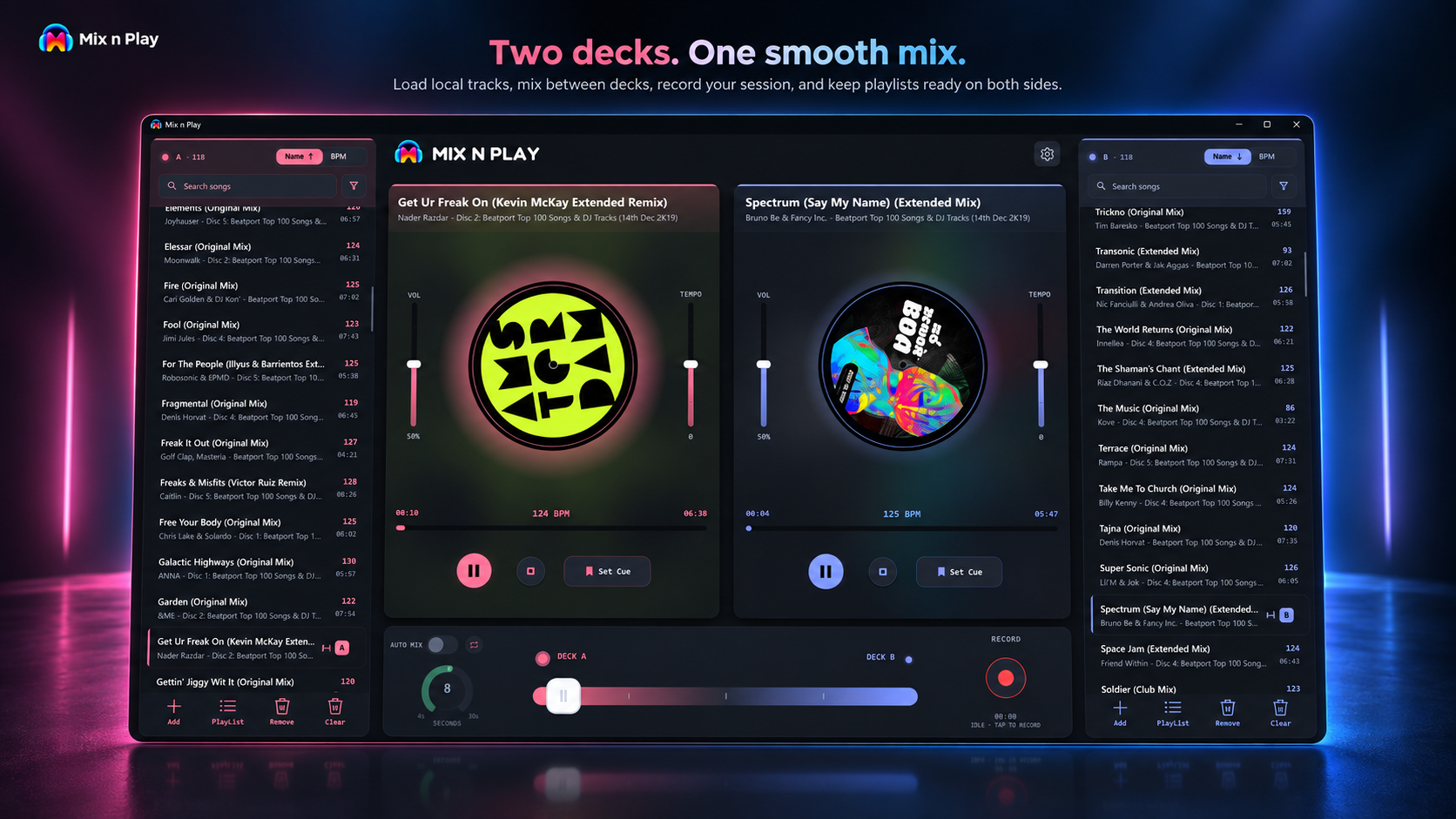
Two decks. Smooth transitions. Auto Mix when you want it. Everything you need to start mixing and get the party moving.
Get from Store
15-DAY FREE TRIAL · START MIXING IN MINUTES
2
Independent decks
TOUCH
Optimized for touch. Built for mouse & keyboard.
15
Days free. Full access.
OFFLINE
Your music. Anywhere.
FEATURES
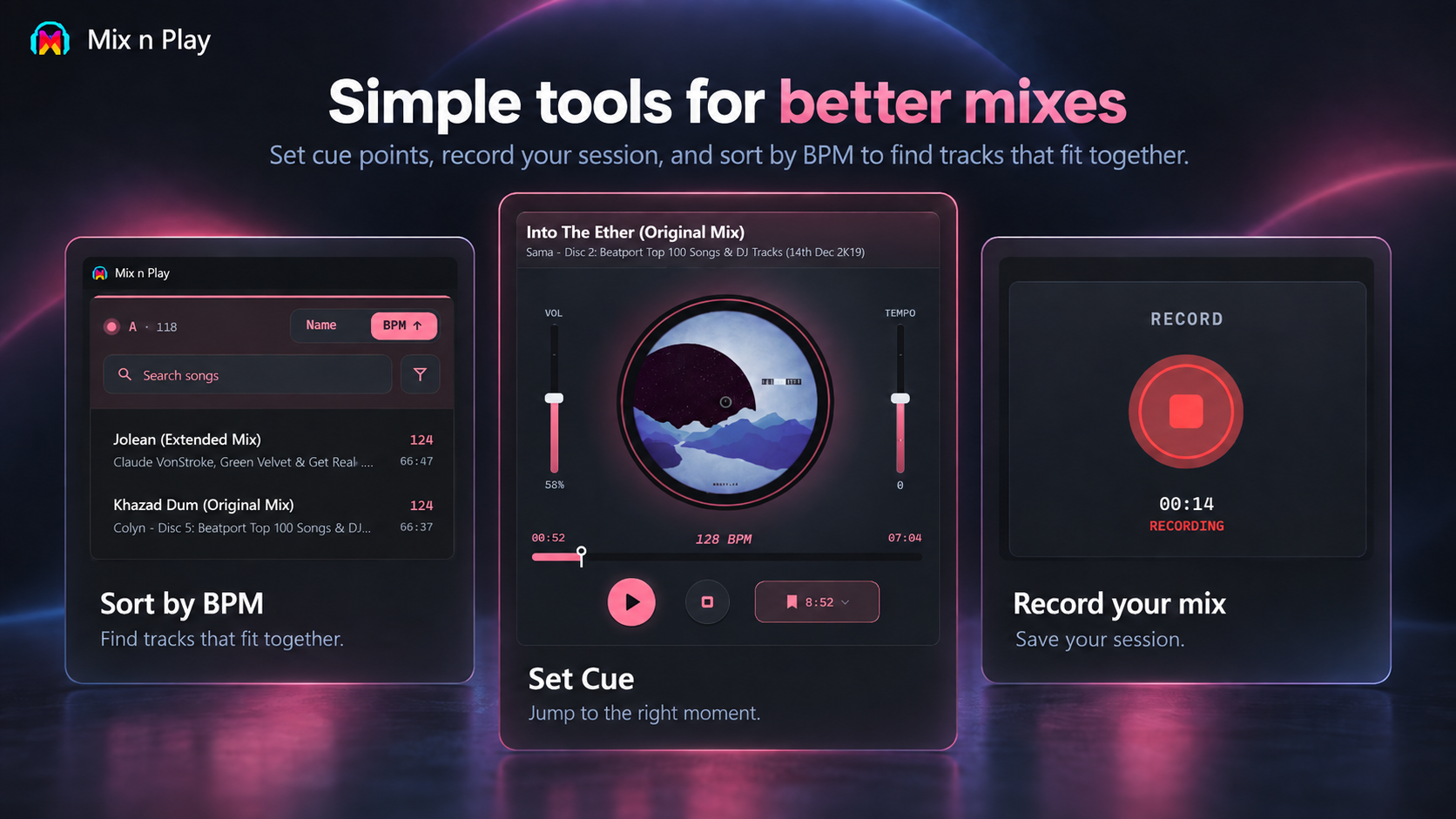
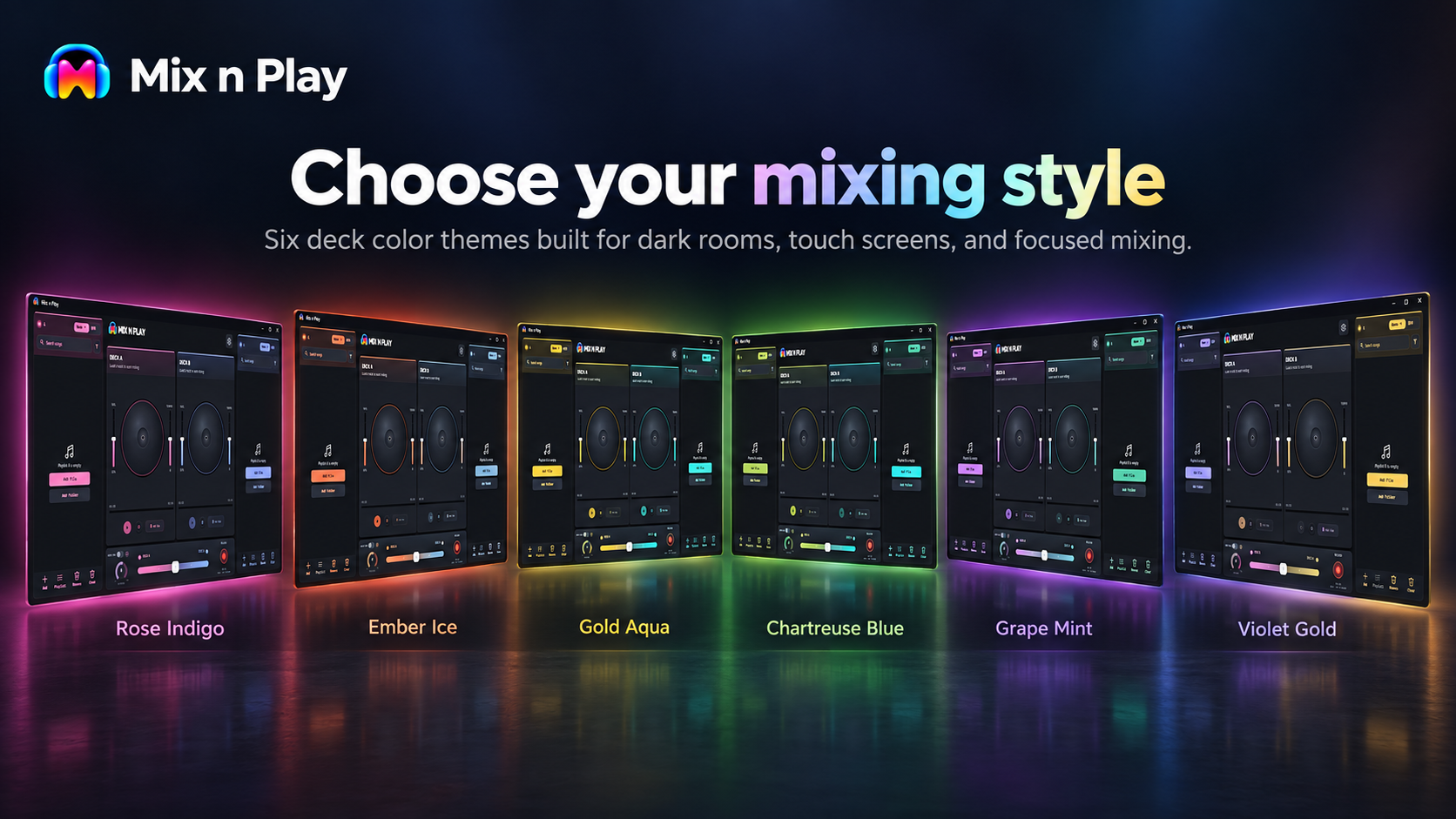
Designed around real mixing moments.
From finding tracks to handing off transitions, these are the workflows Mix n Play keeps close.
WHO IT'S FOR
You don't need a booth.
You need the next song to land.
Mix n Play is built for anyone who wants more control over the music — whether you're learning, hosting a party, working, or just listening at home.
01 · THE FIRST STEP
Learning how mixing works
See the BPM, adjust the tempo, set your cue, and ride the crossfader. A simple way to understand how a mix comes together.
02 · THE PARTY
House and college parties
Queue the next track, line up the transition, and keep the energy moving without the music dropping between songs.
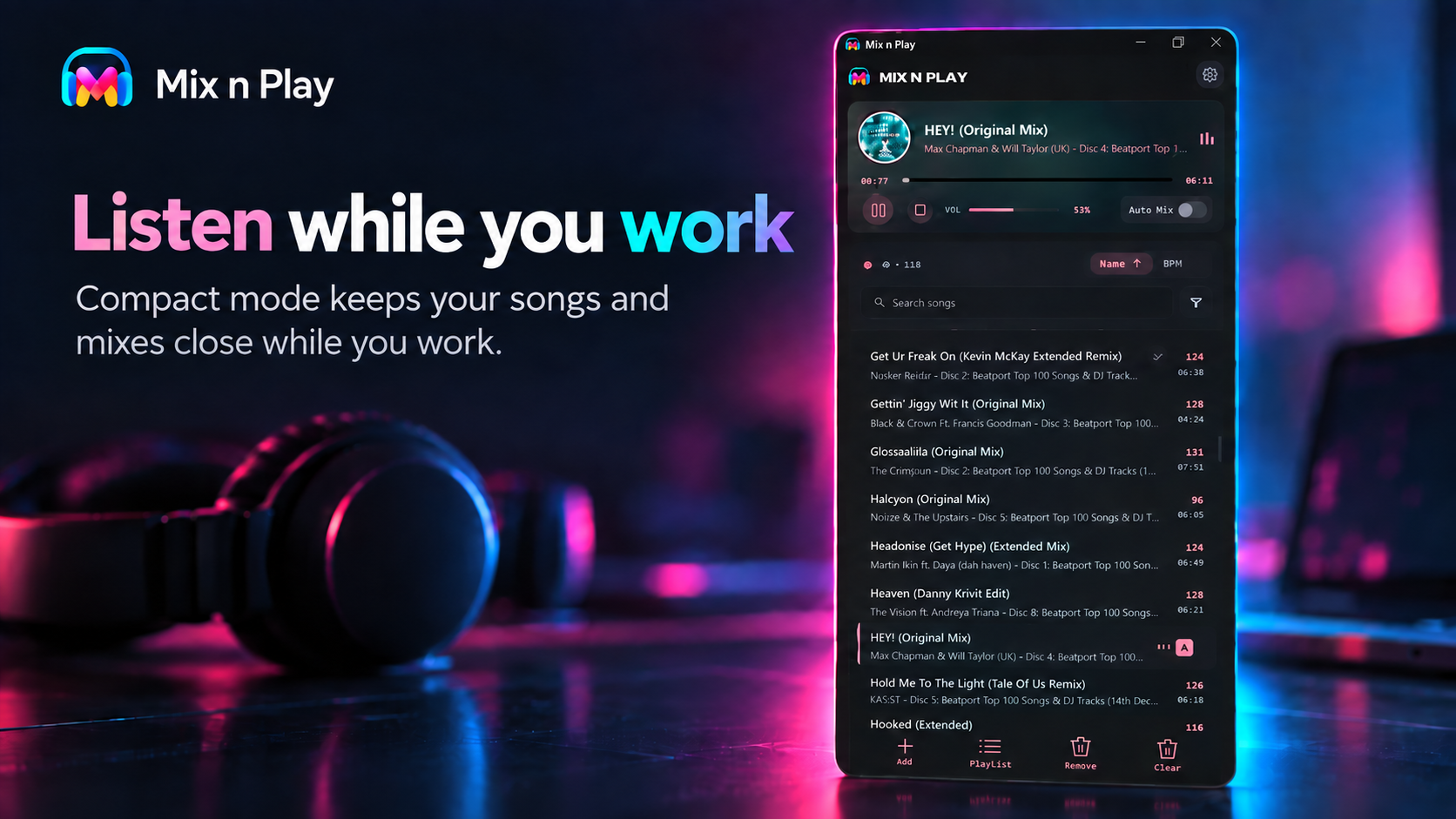
03 · WORK & LISTEN
Music while you work
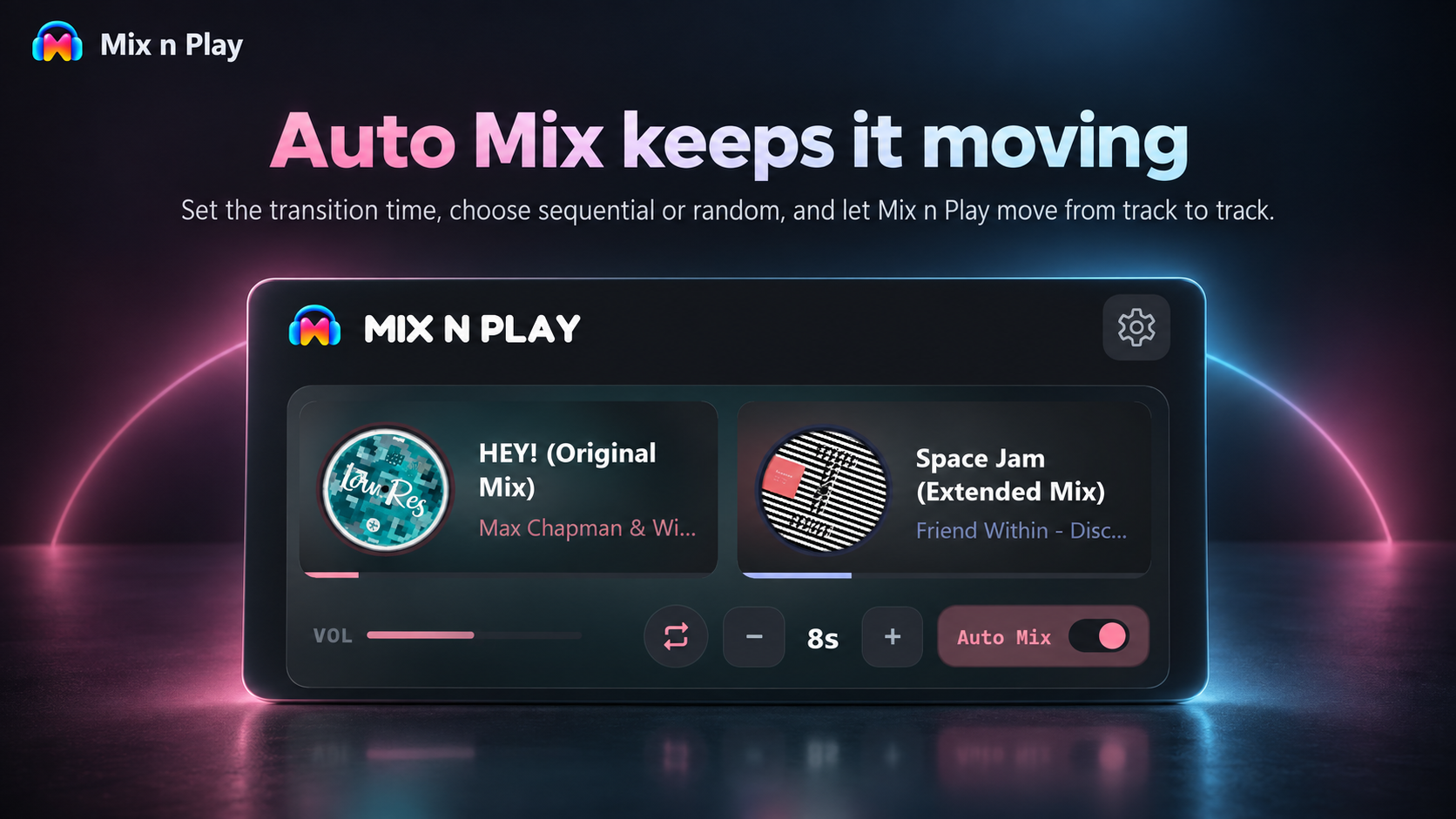
Dock Mix n Play into a compact side view, keep your music close, and let Auto Mix handle the transitions while you focus.
04 · SUNDAY
Just playing music at home
Load your music, hit Auto Mix, and let it keep things moving while you relax.
HOW IT WORKS
From install to first mix in a minute.
01
Add your music
Point Mix n Play at a folder. It reads the tracks, BPM and duration as they load.
02
Load both decks
Send a track left, a track right. Set a cue, adjust the tempo, and ride the crossfader.
03
Mix your way
Take control yourself, hit Record, or switch on Auto Mix and let it keep things moving.
Start mixing now.
Free for 15 days with every feature unlocked.
Have a suggestion? Send us a note at supportmixnplayapp@gmail.com. We're listening.